
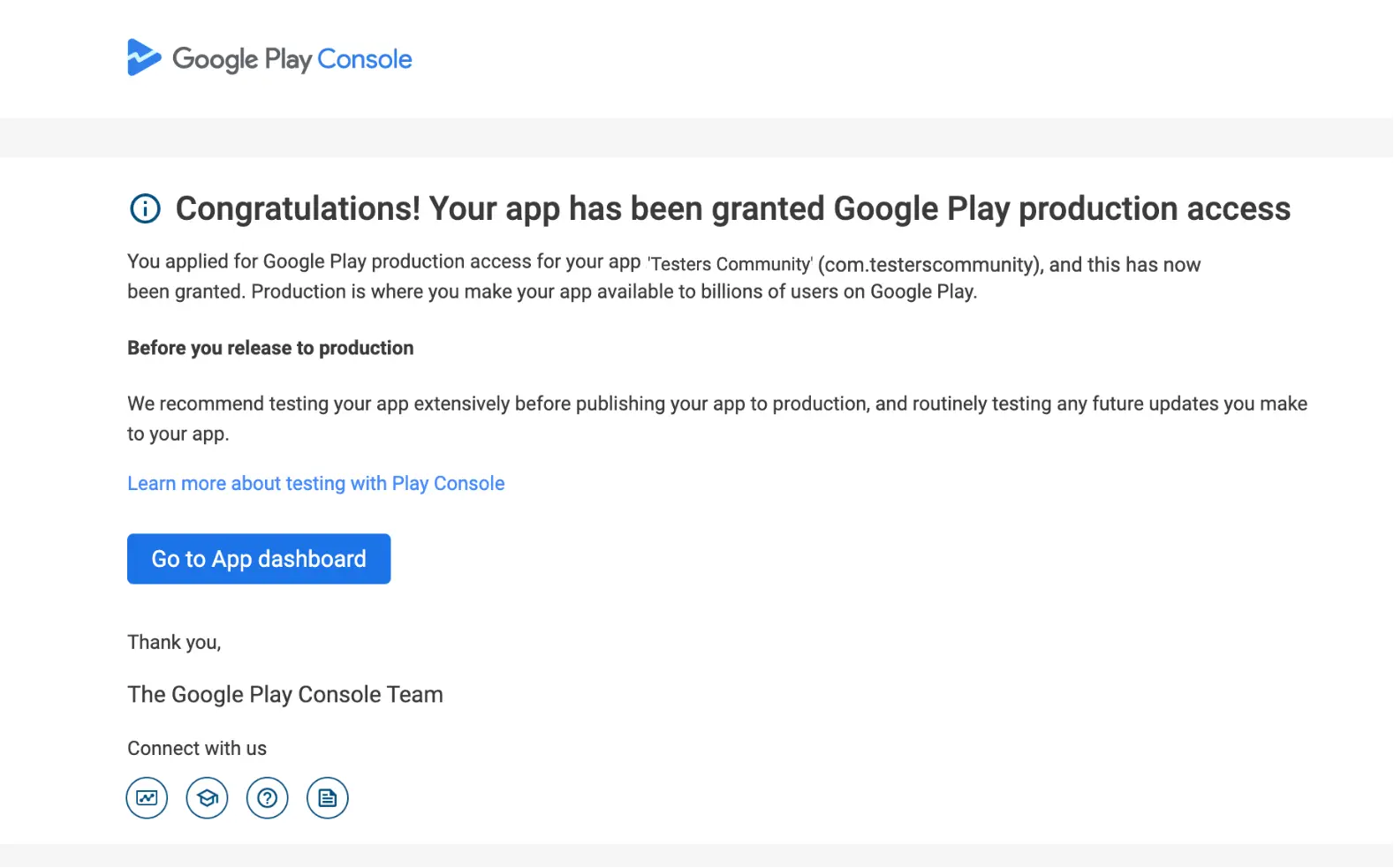
Google Play: Production Access
First things first – here’s why this matters.
Google now requires every new personal developer account to complete a 14-day closed test with at least 12 continuously opted-in testers before the Production track becomes available. The TesterHub workflow below turns that policy into a predictable, repeatable checklist.
To begin, let’s recap Google’s official rules.
Google Play Console offers four tracks: Internal, Closed, Open, and Production (official policy). For new personal accounts, the gatekeeper is Closed testing:
- Minimum 12 testers, each continuously opted-in for 14 days.
- Demonstrate real engagement (sessions, feature use, stability).
- Answer a short questionnaire and supply evidence when you apply for Production.
TesterHub insight: We target 24-30 testers. The surplus covers inevitable drop-offs without resetting the 14-day clock.
Next, follow these eight steps in sequence.
- Upload your first build
• In TesterHub, tap My Apps ▶︎ Add App.
• This activates synchronized usage tracking out-of-the-box. - Promote your app
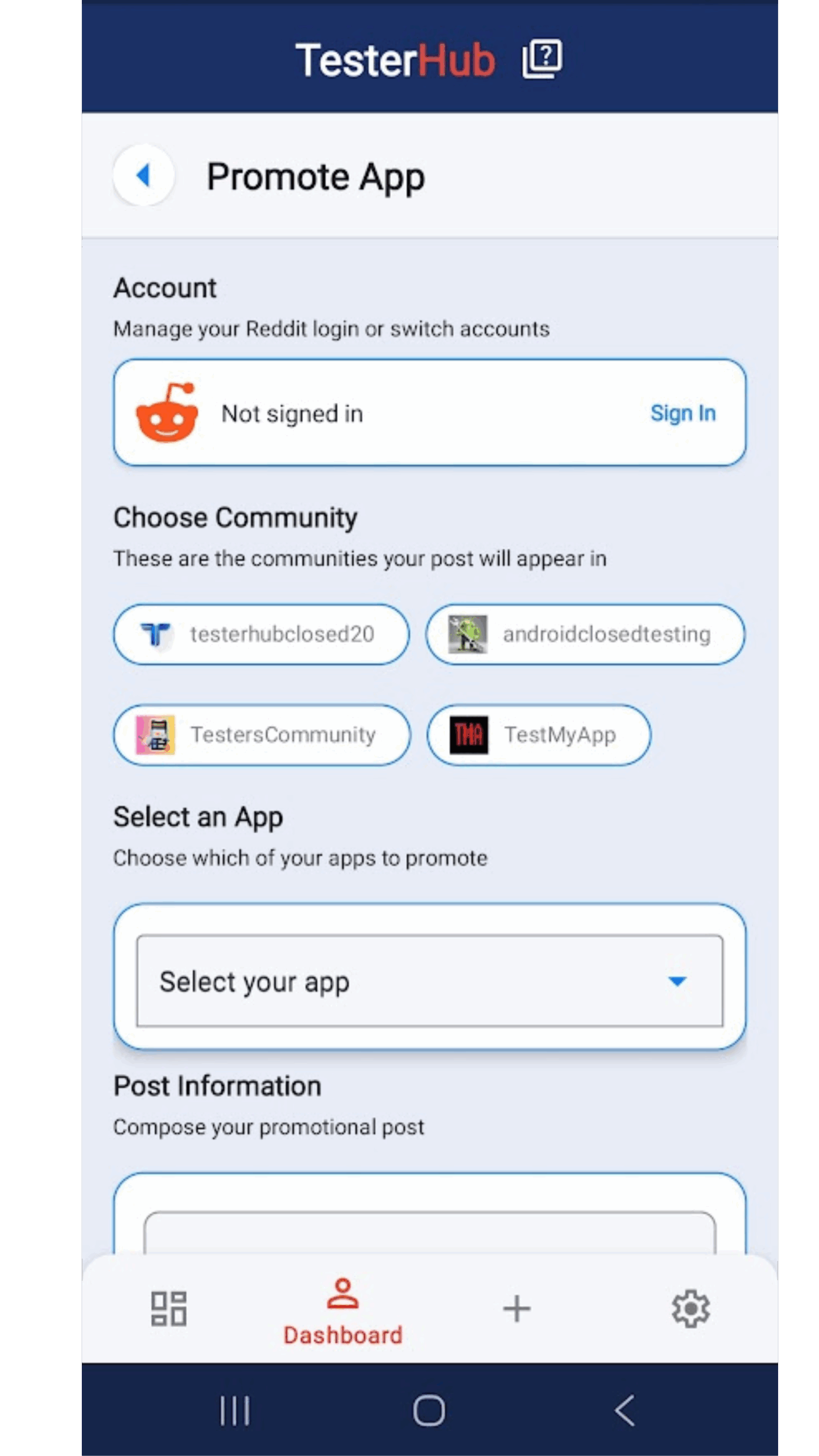
• Go to My Dashboard ▶︎ Promote App.
• Use the pre-filled template (title, screenshots, CTA) as your Reddit post body. - Select subreddits
• Choose 3–5 relevant communities (e.g., r/AndroidDev, r/learnprogramming).
• Submit once—TesterHub posts to all selected subs simultaneously. - Share the generated link
• TesterHub returns a universal link to the Reddit post.
• Repost that link on Discord, X, email lists, and personal networks. - Run “check-ins” every other day
• Comment under your original Reddit thread with progress, screenshots, or patch notes.
• Each check-in bumps the post and pulls fresh testers. - Aim for double the tester quota
• Goal: ≥24 active testers by Day 4.
• Offer a review/tester exchange—reciprocity boosts sign-ups. - Iterate fast—at least three releases
• Fix the biggest bugs and push a new build (v0.2, v0.3, v0.4…).
• TesterHub auto-rolls usage tracking to each new version. - Export the report
• When the 14-day window closes, TesterHub generates a PDF with usage charts and optional user feedback.
• Implement last-minute tweaks, upload a final test release, then apply for Production.
Here’s how those steps map onto your calendar.
Day 0 · Upload & Promote — first build in TesterHub, one-tap subreddit blast.
Day 1–2 · Recruit — reach 24+ testers, kick off review exchanges.
Day 3–6 · Iterate — ship v0.2 and v0.3; post check-ins every other day.
Day 7 · Mid-cycle audit — verify crash count dropping in analytics.
Day 8–12 · Polish — one more bug-fix build; maintain tester engagement.
Day 13 · Feedback roll-up — review TesterHub comments, prep final tweaks.
Day 14 (+24 h buffer) · Export & Apply — download PDF, answer Play Console questionnaire, submit.
Put simply, each platform pulls its weight.
Reddit supplies the audience; TesterHub captures the usage. Posting in multiple subreddits multiplies reach, but only the TesterHub SDK-free tracker logs session length, feature taps, and stability—exactly what Google asks for.
Finally, dodge these pitfalls.
- Tester churn before Day 14 — Over-invite and use inactivity alerts to swap drop-outs fast.
- Low average session time — Add a Day-1 tutorial and a push reminder to explore features.
- Permission creep mid-cycle — Explain new permissions in-app; update Play listing or restart the clock.
- Incomplete Data Safety form — Finish it before uploading any Closed-Track build.
Why 24 testers if Google needs only 12?
Because real life happens—uninstalls, new phones, account changes. Extra testers equal peace of mind.
Do we need to restart the 14-day timer when pushing updates?
No. Closed-Track updates do not reset the timer; only tester drop-outs do.
How does TesterHub’s report help with the Production form?
The Play Console questionnaire asks for usage evidence. Paste session averages and crash stats directly from the PDF.
Can we run an open test instead?
Open testing is unlocked only after Production access. Closed testing is mandatory first.
All set? Let’s go.
Install TesterHub, upload your build, and launch your first synchronized closed test today. When that green “Production” badge appears, share your story—we love spotlighting community wins.
Next steps: Build your app, upload it to TesterHub, and secure Production access—then share your success story!