
Google Play App Localization: A Step-by-Step Guide to Reaching Global Users
Google Play app localization helps your Android app reach more users, improve conversion rates, and grow installs in new countries. If your Play Store listing is only in English, many potential users may leave before they even try your app.
Done well, Google Play app localization is more than translation. It includes adapting your store listing, screenshots, app text, and user experience for each market. In this guide, you’ll learn how to localize your app step by step, avoid common mistakes, and make your app feel native to global users.

For official Android guidance, see Google’s app localization documentation. If you’re already preparing your app for launch, you may also want to read Google Play: Production Access to make sure your release process is ready too.
Many developers focus only on building features, but growth often depends on whether users understand your app at first glance. Google Play app localization helps remove friction before a user even installs.
- Reach more markets: Show your app in the language users expect.
- Increase trust: Localized listings feel more credible and less risky.
- Boost conversions: More users install when the title, screenshots, and description feel relevant.
- Reduce support issues: Clearer language means less confusion after install.
- Improve monetization: Users are more likely to subscribe or purchase when they fully understand the value.
Before you begin translating text, make sure your app is technically ready for multiple languages. This is called internationalization (i18n). Localization (l10n) is the process of adapting the app and listing for each specific language or region.
- Avoid hard-coded text: Move strings into resource files.
- Support right-to-left layouts: Important for Arabic and Hebrew.
- Use placeholders correctly: Dates, names, and numbers should be formatted properly.
- Plan for text expansion: Some languages are much longer than English.
The first technical step in Google Play app localization is making sure all user-facing text is easy to translate. In Android Studio, that means moving strings into res/values/strings.xml.
- Search layouts and source files for hard-coded text.
- Move every string into
strings.xml. - Use clear names like
login_buttoninstead of vague labels likestring1. - Add comments where context may help translators.
- Create localized folders such as
values-es,values-fr, andvalues-pt-rBR.
This step saves time later and prevents confusing translations inside your app.
You have several options for translating your app content and Play Store listing:
- Professional translation services: Best for accuracy and mobile context.
- Machine translation + review: Faster and cheaper, but should be checked by a native speaker.
- Community translation: Can work well for niche markets, if reviewed carefully.
No matter which route you choose, keep a glossary of important product terms, feature names, and brand voice rules. This helps your app feel consistent across every language.
One of the most important parts of Google Play app localization is your store listing. Even if your app supports multiple languages, users may never install it if the listing feels foreign or unclear.
- Go to Google Play Console → Store presence → Main store listing.
- Add translated versions of your title, short description, and full description.
- Upload screenshots that match the language and culture of each market.
- Update feature graphics if they contain text or location-specific references.
Localized screenshots often improve conversion more than translated copy alone, because users instantly see that the app was built with them in mind.
Before publishing, test each language version on real devices or emulators. This helps you catch issues that look fine in resource files but fail in real-world use.
- Check for truncated or overlapping text.
- Review date, currency, and number formatting.
- Verify button labels and menu items still make sense.
- Ask a native speaker to review awkward wording.
Good localization is not just grammatically correct—it should also feel natural for the target audience.
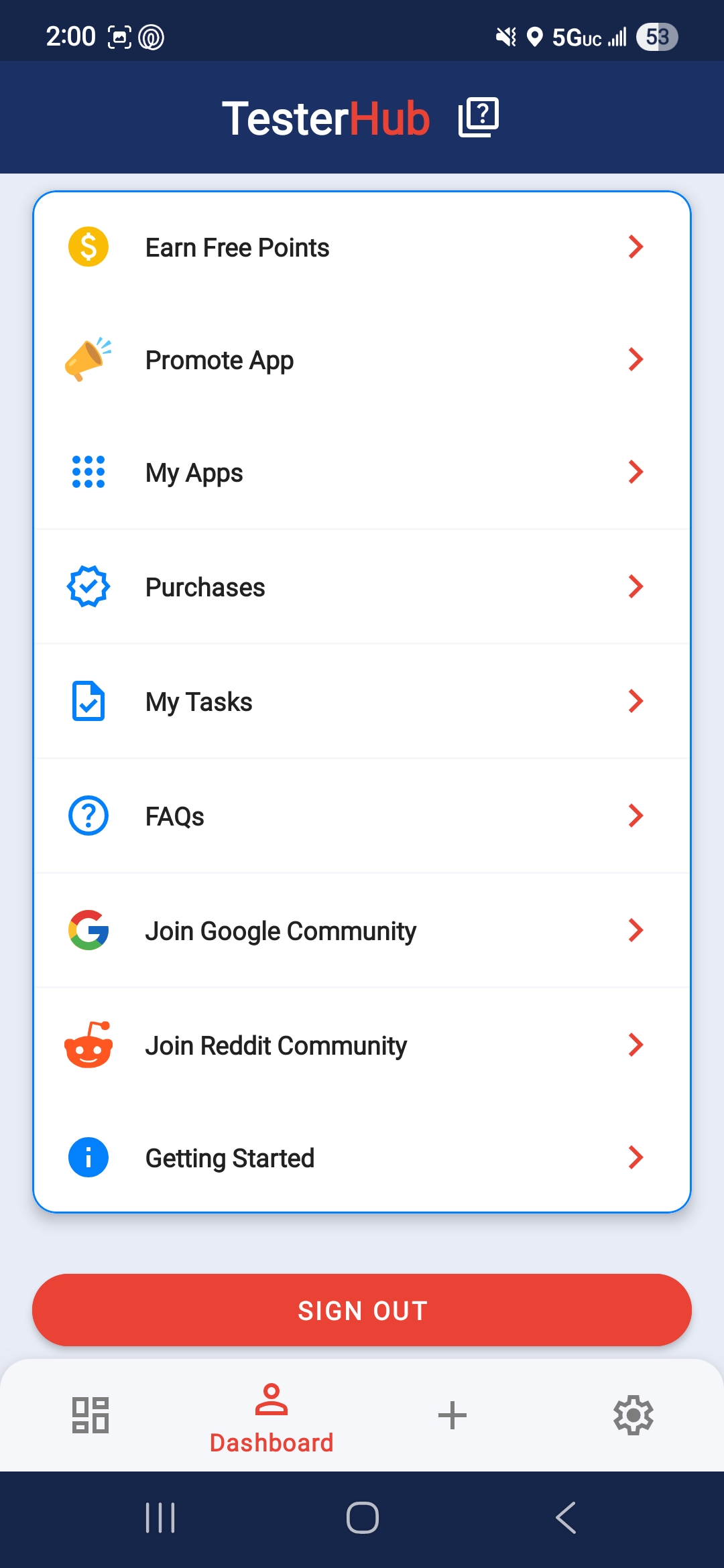
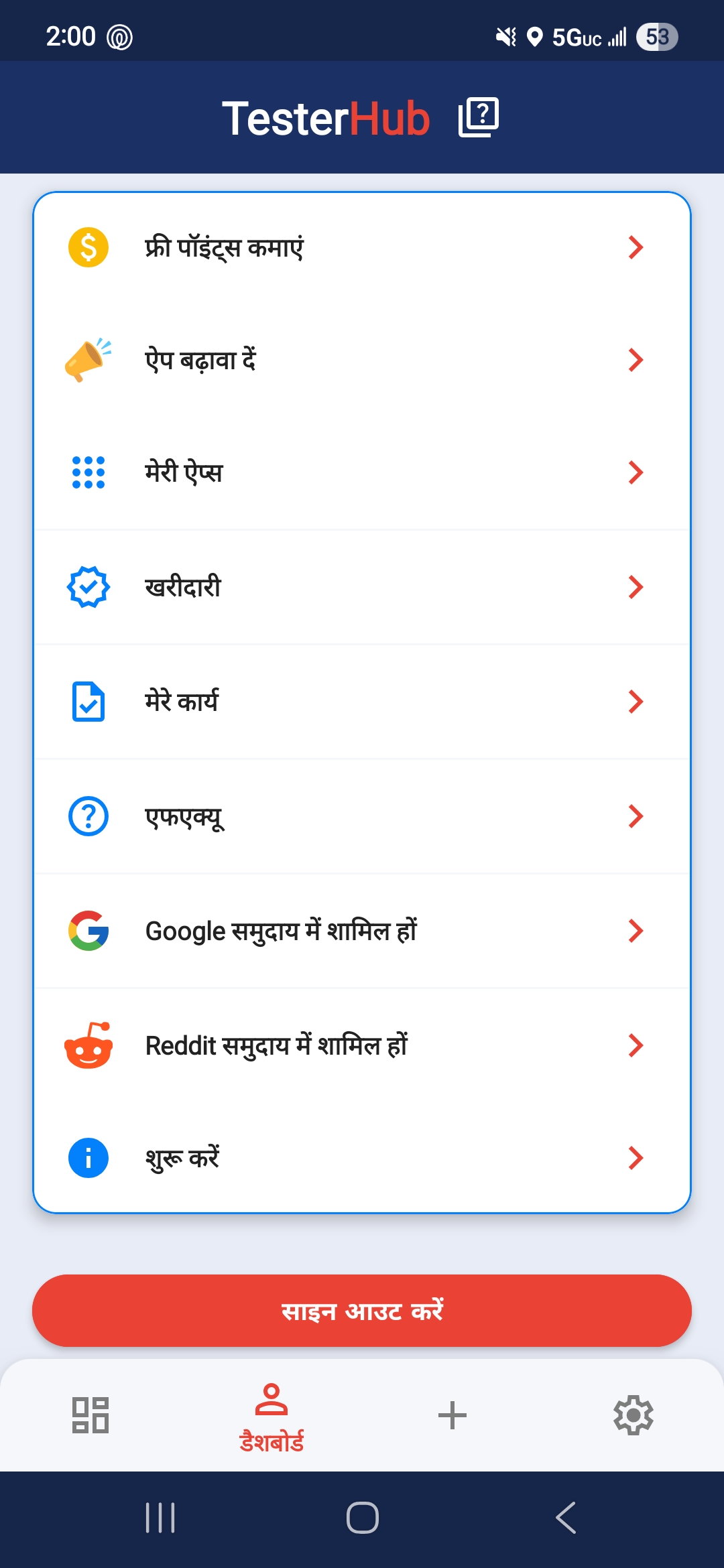
This walkthrough covers:
- Extracting strings in Android Studio
- Creating localized resource folders
- Updating your Google Play listing
- Improving screenshots for different markets
- Translating text without checking layout fit
- Keeping screenshots in English for every market
- Using machine translation without review
- Ignoring cultural differences in imagery or phrasing
- Translating the app but not the Play Store listing
If your app includes APIs, login flows, or cloud-backed features, make sure those flows still feel clear in every language. For related beginner-friendly reading, see What is an API?.
What is Google Play app localization?
Google Play app localization is the process of adapting your Android app and Play Store listing for different languages and regions so users can understand and trust your app more easily.
Does Google Play app localization help installs?
Yes. A localized store listing can improve conversion rates because users are more likely to install an app that feels relevant to their language and market.
Should I localize my app or just the Play Store listing first?
If resources are limited, many developers start by localizing the Play Store listing first. But the best results usually come when both the listing and the in-app experience are localized.
Which languages should I target first?
Start with countries where you already see installs or search interest. Spanish, Portuguese, French, German, and Japanese are often strong opportunities depending on your niche.
Google Play app localization is one of the clearest ways to improve international growth without rebuilding your product from scratch. When users can understand your listing, trust your screenshots, and navigate your app comfortably, installs and retention both improve.
Start with one or two high-potential markets, measure the results, and expand from there. If you’re also preparing your app for launch and testing, check out Google Play: Production Access and TesterHub Introduction for the next steps.