
How to Pass Google Play Closed Testing and Get Production Access
If you’re trying to publish an app from a new personal Google Play developer account, closed testing is the gate you must pass before production access opens up. This is where many indie developers get stuck: not enough testers, weak engagement, poor evidence, or a rushed production application.
The good news is that this process becomes much easier when you stop treating it like a countdown and start treating it like a system. In this guide, you’ll learn what Google Play closed testing requires, why developers fail, and how to give yourself the best chance of getting approved for production access.
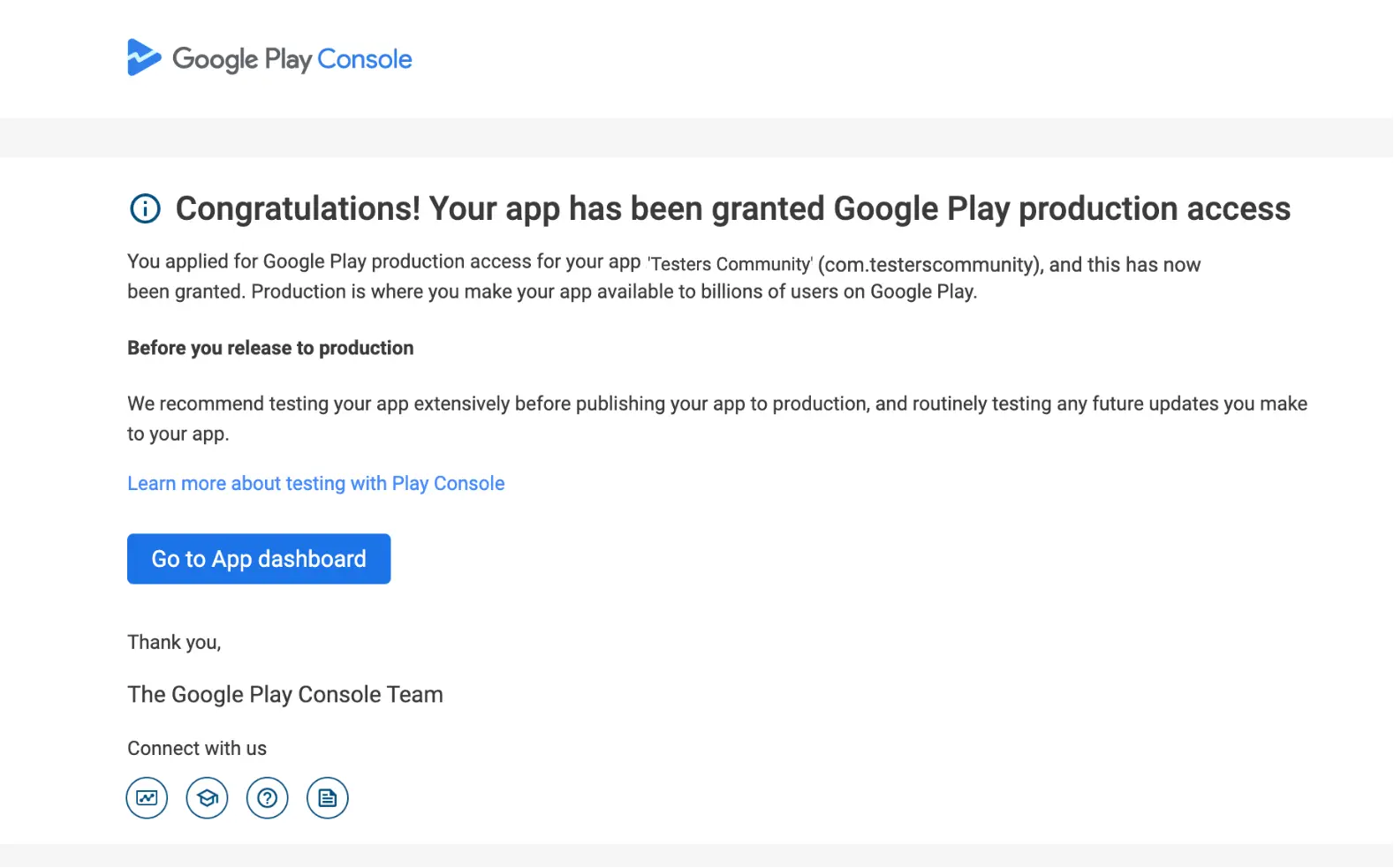
For many new personal developer accounts, Google Play requires a 14-day closed test before the production track becomes available. In practice, that means:
- At least 12 testers continuously opted in
- A full 14-day testing period
- Meaningful app usage, not just downloads
- A production access request that clearly explains your testing and improvements
Your existing post on Google Play: Production Access already explains the policy angle. What most developers need next is a practical game plan.
They only recruit 12 testers
This is the most common mistake. If even a few testers stop engaging, your test becomes weak fast. The minimum should never be your strategy.
They focus on installs instead of engagement
A test with real sessions, feature usage, and feedback is much stronger than a test where people install the app once and disappear.
They launch with a rough build
If onboarding is confusing or the app crashes early, testers stop using it. That hurts both your data and your final approval chances.
They rush the production request
Even after a valid test, vague answers can lead to rejection. Your submission should show what was tested, what feedback you got, and what improved.
1) Start with a stable build
Before inviting testers, make sure your app’s main flow works reliably. It does not have to be perfect, but it should be stable enough that testers can actually use it more than once.
2) Recruit more testers than required
If Google asks for 12, aim for 20 to 30 testers. This gives you a buffer against drop-offs, inactivity, and real-world unpredictability.
3) Give testers clear instructions
Instead of asking people to “test the app,” give them a short task list. For example:
- Complete onboarding
- Use the main feature
- Come back the next day
- Try one more feature
- Report bugs or confusing steps
4) Improve the app during the 14 days
Use the testing period to fix bugs, improve onboarding, and polish weak areas. A closed test should produce progress, not just wait out the clock.
5) Track usage and evidence
The stronger your evidence, the stronger your production request. Useful signals include tester count, session activity, feature engagement, and bug fixes made during the cycle.
6) Prepare your production access answers carefully
When the test ends, be ready to explain what was tested, how testers used the app, what problems were found, and how you addressed them.
| Tester Count | What It Means |
|---|---|
| 12 testers | Only the minimum. Very risky. |
| 18-20 testers | Better, but still somewhat fragile. |
| 24-30 testers | Strong buffer and the safest practical target. |
Closed testing is really a coordination problem. You need to recruit testers, keep them engaged, collect useful evidence, improve the app, and then explain the results clearly. That’s where a structured workflow helps.
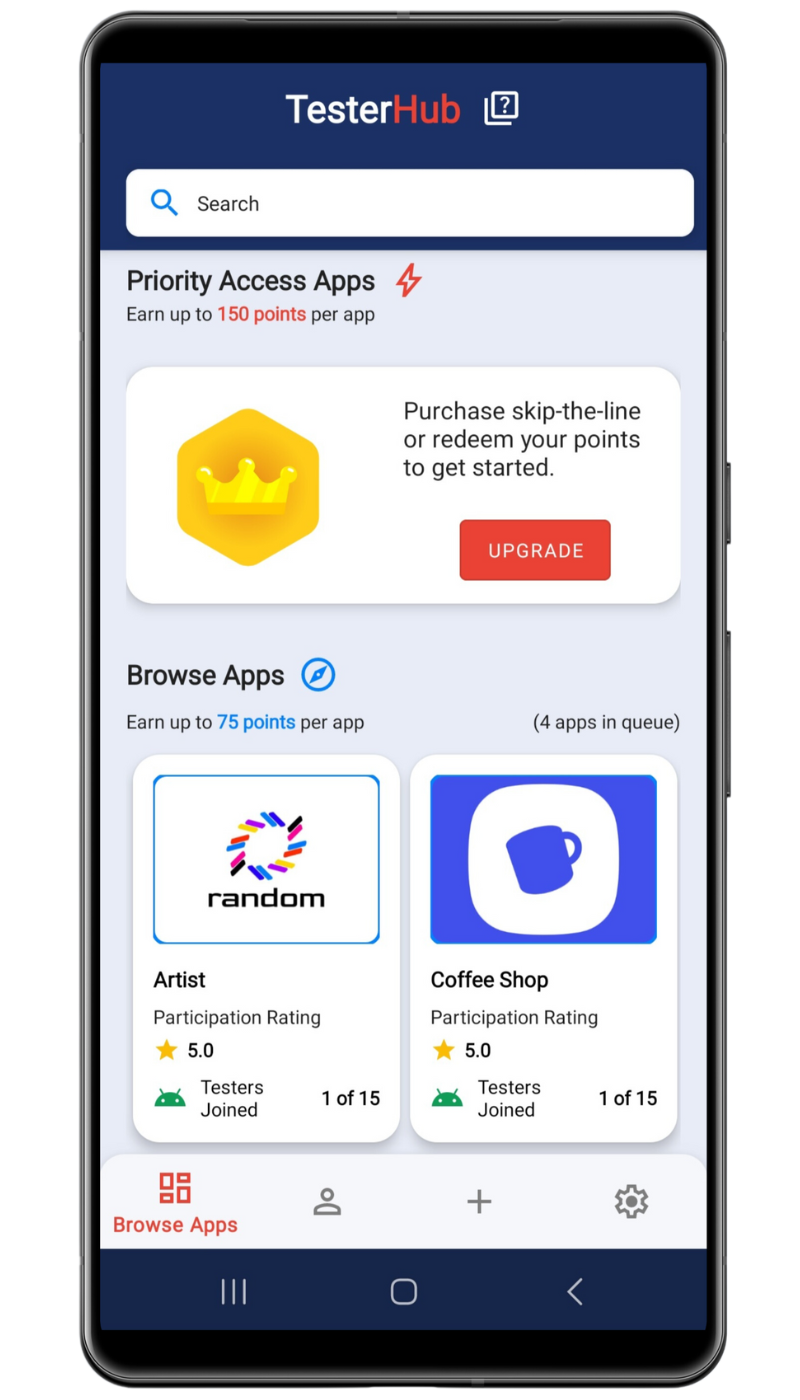
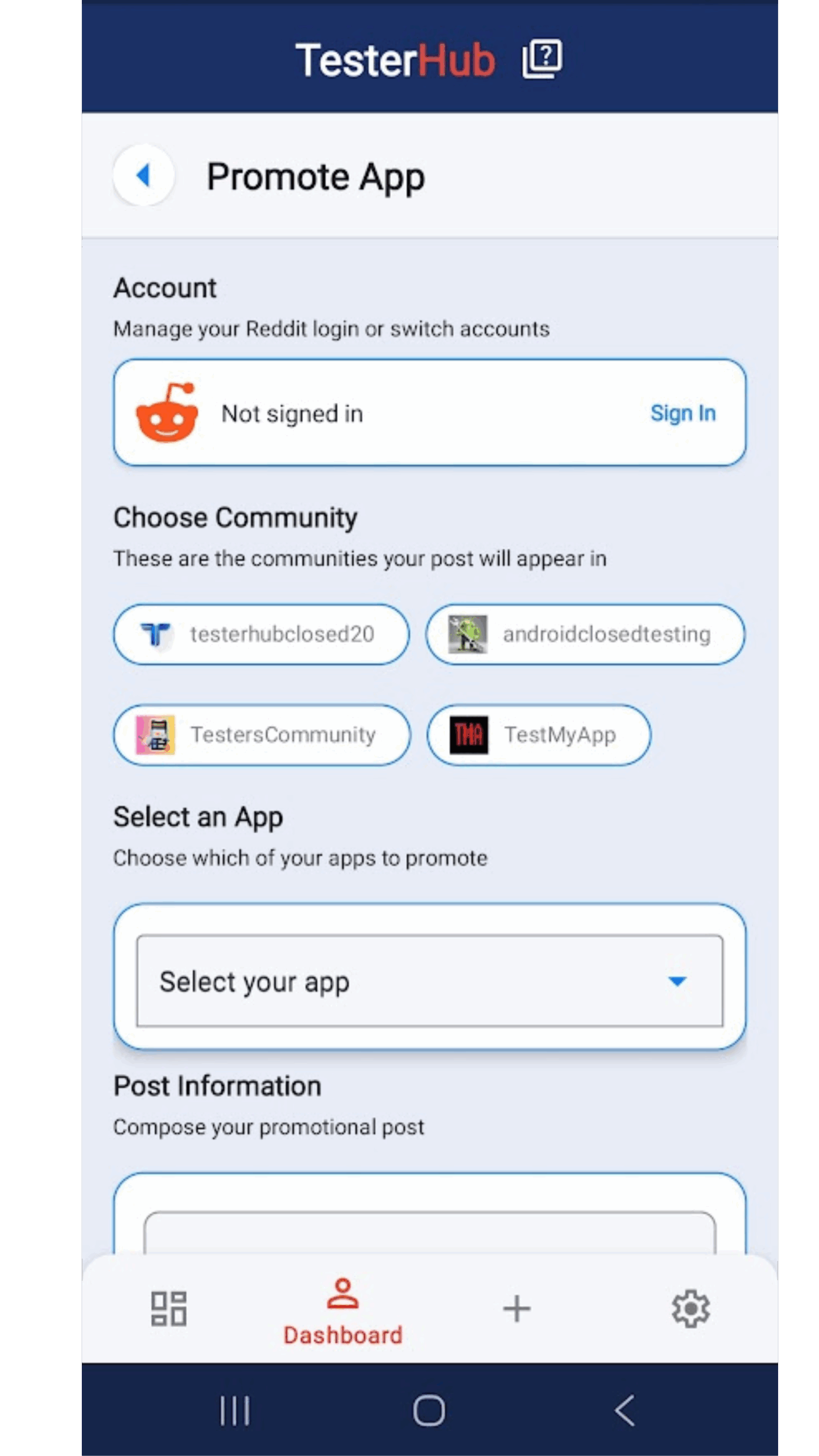
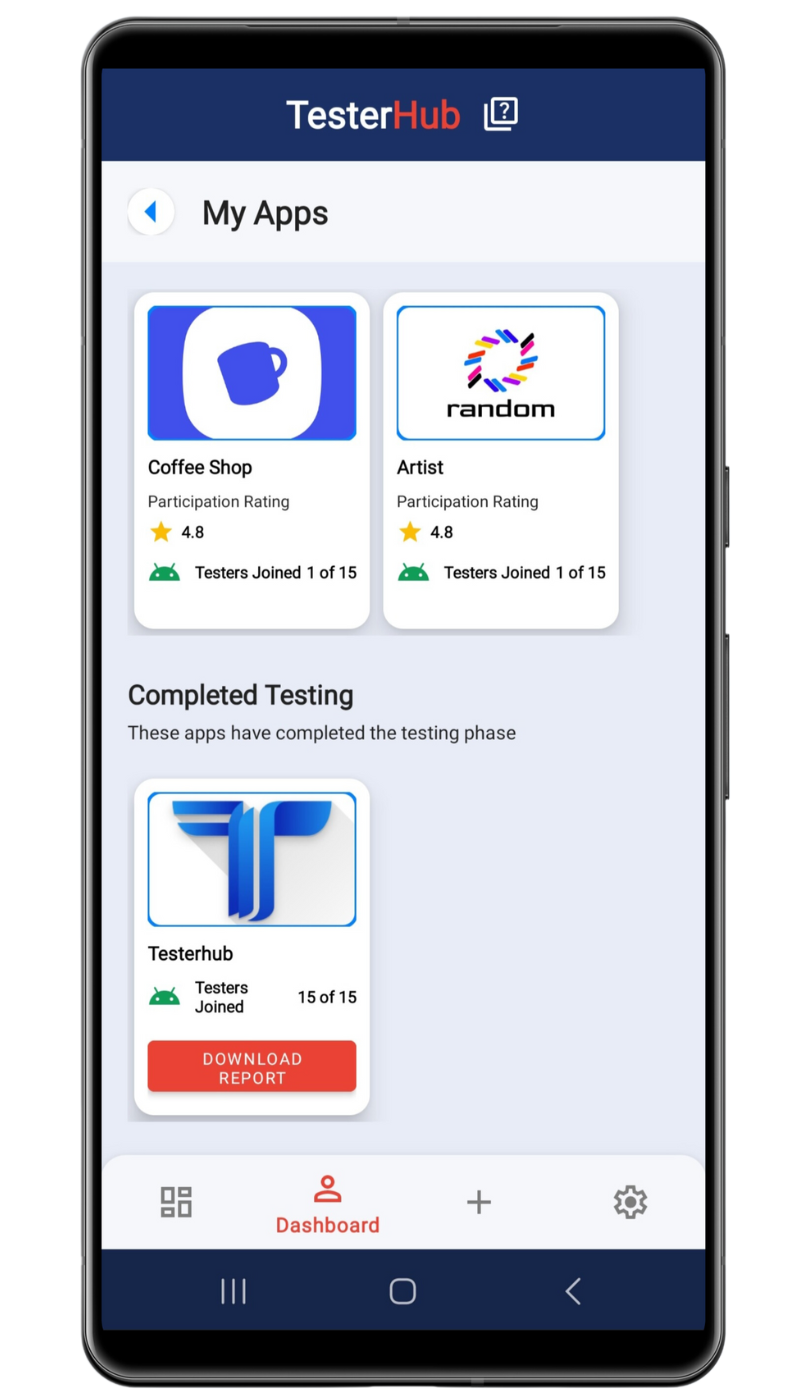
Based on your current site content, TesterHub is most valuable when it helps developers:
- Coordinate testers in one place
- Track app usage during the testing cycle
- Collect better evidence for production access
- Improve the app based on real-world usage
Want a more organized closed test?
Read TesterHub Introduction to see how synchronized testing and usage tracking work, then review Google Play: Production Access for the full workflow.
- Recruiting exactly 12 testers and hoping for the best
- Launching a buggy first build
- Giving testers no guidance
- Ignoring low engagement during the 14-day test
- Failing to make improvements before applying
- Submitting vague production access answers
If your app includes backend or sync-heavy features, technical decisions can also affect reliability. Your post on Android Database Comparison: Room vs Firestore is a useful supporting read if you’re still refining your stack.

Closed testing is only one part of getting ready for public release. Once your production access is approved, your next challenge is usually growth, onboarding, and retention.
If you’re planning to launch in multiple markets, your guide on Google Play App Localization is a strong next step.
If your app relies on APIs or connected services, your post on What Is an API? can also help beginners understand the basics behind modern app features.
- Stable build uploaded
- 20+ testers recruited
- Testers given clear tasks
- Core features actively used
- Bugs fixed during the test window
- Usage and feedback documented
- Production access answers drafted clearly
- Store listing reviewed for clarity and trust
What is Google Play closed testing?
It is a restricted testing phase where only approved testers can install and use your app before production access becomes available.
How many testers do I need?
Google may require 12, but aiming for 20 to 30 testers is much safer in practice.
Do updates reset the 14-day timer?
Usually, no. Updates during the closed test can actually help show that you are improving the app based on feedback.
What improves my chances of getting production access?
A stable build, enough testers, meaningful engagement, real iteration during testing, and clear final answers all help.
What if my production access request is rejected?
Review your weak points, run a stronger test, improve your evidence, and reapply with a more credible testing story.
The developers who pass closed testing more smoothly usually do three things well: they recruit more testers than required, create real engagement instead of just installs, and document the process clearly before applying for production access.
If you want to turn Google Play closed testing from a blocker into a repeatable workflow, build your evidence from day one and don’t rely on the bare minimum.
Ready to move faster?
Explore TesterHub Introduction and Google Play: Production Access to build a stronger path from closed testing to production.